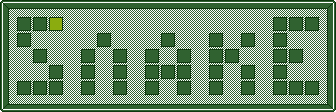
Desktop Game Application | C++ • SFML • CMake
Project Overview
A classic Snake game reimagined with new mechanics and features. This project puts a fresh spin on the traditional gameplay while maintaining the nostalgic experience. Built with a custom, lightweight game engine architecture that heavily utilizes Object-Oriented Programming (OOP) principles and design patterns to keep the code modular and maintainable.
Technologies Used
Core Technologies
- C++17
- SFML 2.5.1 for graphics, input and audio
- Cereal for serialization
Development Tools
- CMake
- Git/GitHub
- Visual Studio / GCC / Clang
Implementation Details
Architecture
Stack-Based State Machine
The core game loop is managed by a Context (IContext) that handles a stack
of states (IState) like Menu_State, Play_State,
and Pause_State. This allows pushing a pause menu over the active game
without destroying data.
Strict Separation of Concerns
Gameplay logic is decoupled into specific domain classes. Snake_Controller
handles movement and manipulation, while Snake_Rule_Monitor strictly
monitors game rules (bounds, collisions, score).
Build System & Data Structures
"Zero-Setup" Build Pipeline
Uses modern CMake (FetchContent) to automatically pull SFML 2.5.1 during
configuration, making the project easy to build on any machine.
Automated Asset Deployment
Custom post-build commands automatically copy necessary assets (.png,
.ogg, .ttf) into the output binary folder.
Efficient Data Structures
The snake is represented as a std::list of grid coordinates, making movement
highly performant $O(1)$ by pushing a new head and popping the tail.
New Mechanics
Multiple Lives
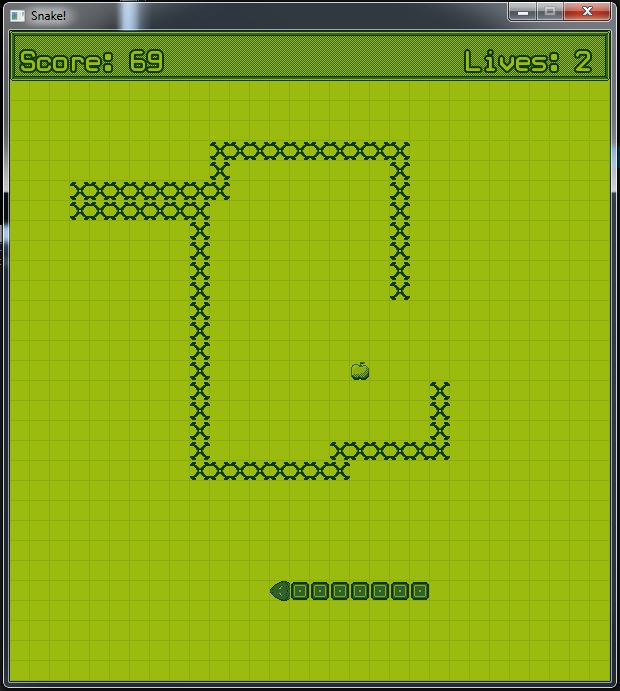
Unlike the classic game where a single mistake ends the run, players now start with 3 lives. This provides a more forgiving learning curve while still maintaining the challenge as the snake grows.
Bone Hazards
Running into your own tail doesn't just cost a life, it leaves bones in the playfield at the point of collision. These bones act as permanent obstacles, dynamically increasing the difficulty and forcing players to adapt their pathing.
Custom Graphics
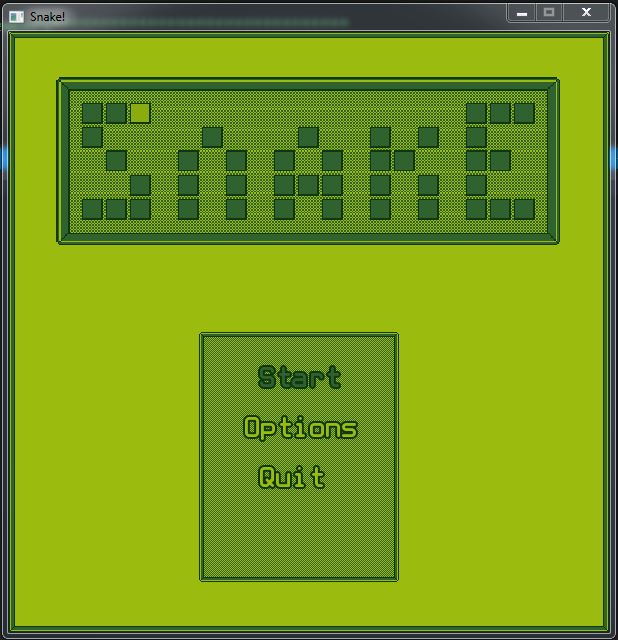
The game features custom-designed sprites and textures, moving away from simple colored shapes to provide a more visually engaging experience.
Challenges & Shortcomings
Display Issues
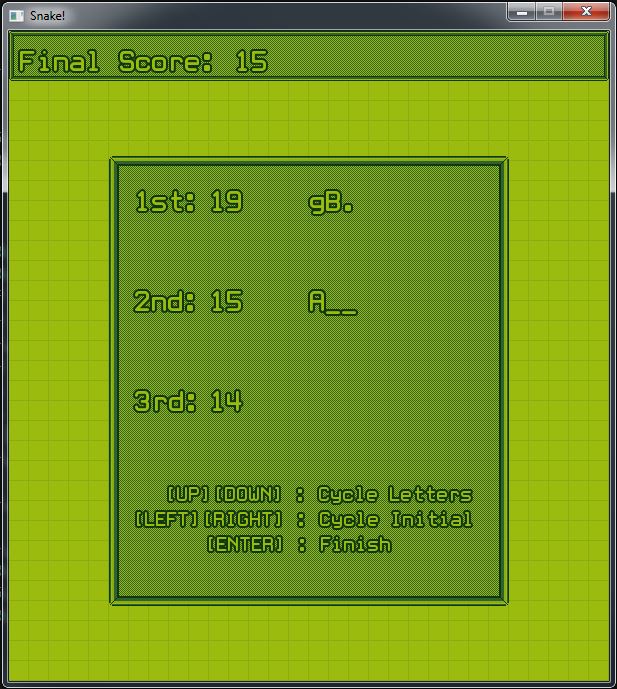
Moire pattern appearing at some resolutions
Implementing resolution-specific texture scaling
Gameplay Bug
Issue with running into bones not creating more bones
Reviewing collision detection logic in the bone generation system
Snake Game Gallery
Project Outcomes
Achievements
- Polished Windows Executable: Uses the
WinMainentry point to suppress the default Windows console, resulting in a clean, professional standalone game window. - Robust Architecture: Successfully implemented a stack-based state machine and decoupled game logic, demonstrating a strong understanding of SOLID principles.
- Modern Build System: Created a zero-setup CMake pipeline that automatically fetches dependencies and deploys assets.
Future Improvements
- Implement additional power-ups and hazards.
- Refine collision detection for bone generation.
- Optimize texture scaling for various resolutions.